The hosts who run multiple properties without burning out have one thing in common: they have removed themselves from the critical path. They are not the person who texts the cleaner, checks if the clean happened, sends the check-in instructions, and chases for a review. A system does that.
Full Airbnb automation is achievable for a single-property host and essential for anyone managing three or more listings. Here is how to build it layer by layer.
Layer 1: Calendar and Booking Automation
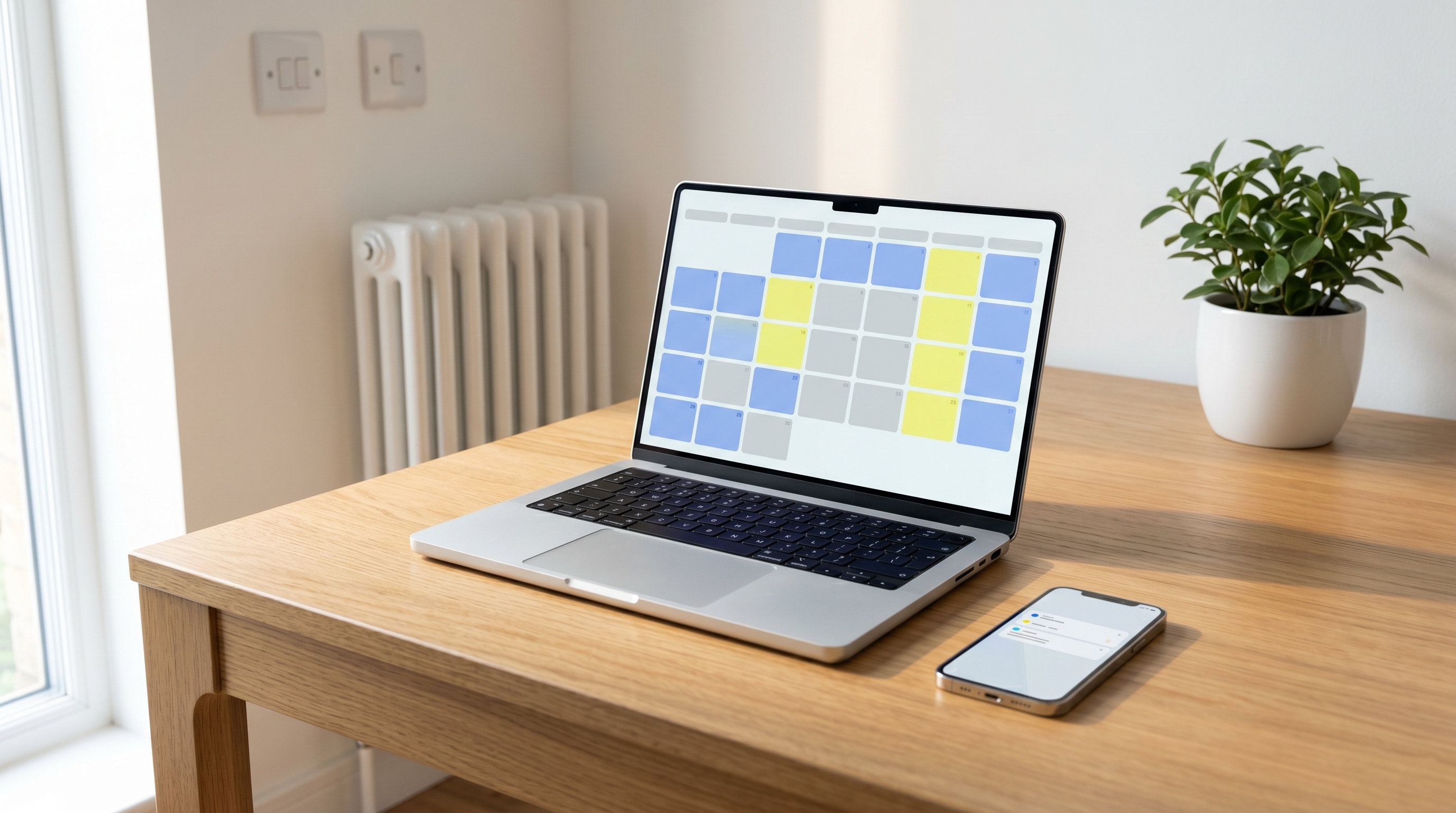
The foundation is a property management system (PMS) that aggregates your calendars if you list on multiple platforms. Tools like Lodgify, Hostaway, or Guesty pull bookings from Airbnb, Booking.com, and Vrbo into a single calendar, prevent double-bookings, and trigger other automations when a booking is confirmed.
If you only list on Airbnb, you still need a PMS or channel manager if you want the downstream automations (cleaning triggers, message sequences, and pricing rules) to run reliably.
What to automate at this layer:
- Unified calendar across all platforms
- Instant booking acceptance rules (e.g. accept guests with verified ID and at least one review)
- Nightly rate rules tied to demand signals (occupancy rate, local events, competitor pricing)
Layer 2: Guest Communication Automation
Guest messages follow a predictable sequence for every booking. Automating them ensures no guest is missed and removes a constant low-level task from your day.
The standard automated message sequence for Airbnb:
- Booking confirmation (immediate): thank the guest, confirm dates, set expectations
- Pre-arrival (48 hours before check-in): check-in instructions, parking details, key safe code or smart lock code
- Check-in day (morning of): brief welcome, WiFi code, house manual link
- Mid-stay check-in (24 hours into stay for stays of 3+ nights): brief check that everything is fine
- Checkout reminder (evening before checkout): checkout time, instructions for keys and linen
- Review request (24 hours after checkout): thank the guest, ask for a review
All major PMS platforms support this sequence. So does Airbnb's built-in Scheduled Messages feature, which is free and requires no third-party tool.
Layer 3: Cleaning Automation
This is where most hosts still have a manual gap. They have automated their messages but they are still texting their cleaner after every booking and again before every checkout.
A fully automated cleaning operation works like this:
- A new booking is confirmed in your PMS
- The PMS triggers a webhook or API call to your cleaning service
- The cleaning service schedules the clean for the checkout date/time
- You receive a confirmation notification
- After the clean, you receive photo proof and a completion report
- If the cleaner cannot attend, a backup cleaner is automatically dispatched
CleanHive integrates directly with major Airbnb calendar feeds via iCal sync. When a booking is made, the clean is scheduled automatically. You do not need to send a message or make a call.
What to look for in a cleaning partner for automation:
- iCal or API calendar sync
- Automated scheduling on booking confirmation
- Backup-cleaner coverage with no manual intervention required
- Photo-verified completion reports sent to your email
Layer 4: Pricing Automation
Dynamic pricing tools analyse supply, demand, local events, and competitor listings to adjust your nightly rate automatically. The three main options for UK hosts are PriceLabs, Beyond, and Wheelhouse.
The setup is roughly one hour: connect your Airbnb account, set your base price and minimum rate floor, define your minimum stay rules, and let the tool run. Most hosts see a 15–25% revenue increase in the first 60 days because they are no longer leaving money on the table during high-demand periods and no longer staying empty during slow periods with a price that is too high.
Layer 5: Review Automation
Airbnb's algorithm rewards hosts who review promptly and consistently. Set a reminder or use your PMS to trigger a review template for every checkout. Many PMS tools include auto-review features that post a review from a template (which you can personalise if needed) after a defined time period.
What Full Automation Looks Like in Practice
For a well-automated single-property operation, your active involvement per booking cycle should be:
- Booking confirmed: Zero action (PMS accepts, triggers clean, sends confirmation message)
- Day before check-in: Zero action (automated pre-arrival message sends)
- Check-in day: Zero action (automated morning message sends, smart lock code works)
- During stay: Zero action unless guest messages with a question
- Checkout day: Zero action (automated reminder sends, clean triggers, completion report arrives in your inbox)
- Post-checkout: Two minutes to review the photo report and post a guest review
That is a hosting operation running on roughly 10 minutes of active time per booking.
Actionable Takeaway
Start with the layer you have least control over. For most hosts, that is cleaning: the part that involves another human, relies on text messages, and fails unpredictably. Solve that first, then build the communication and pricing layers on top.